
For administrators, managers, and dispatch teams
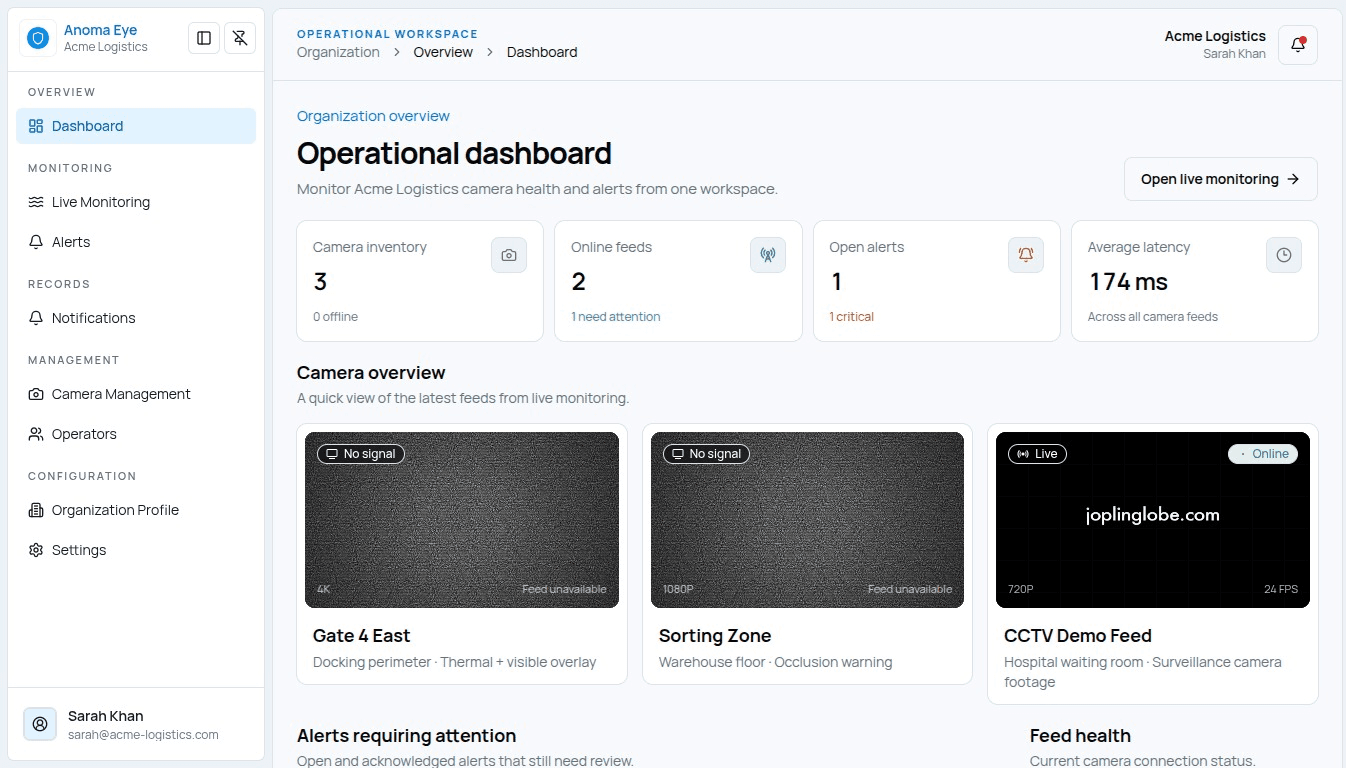
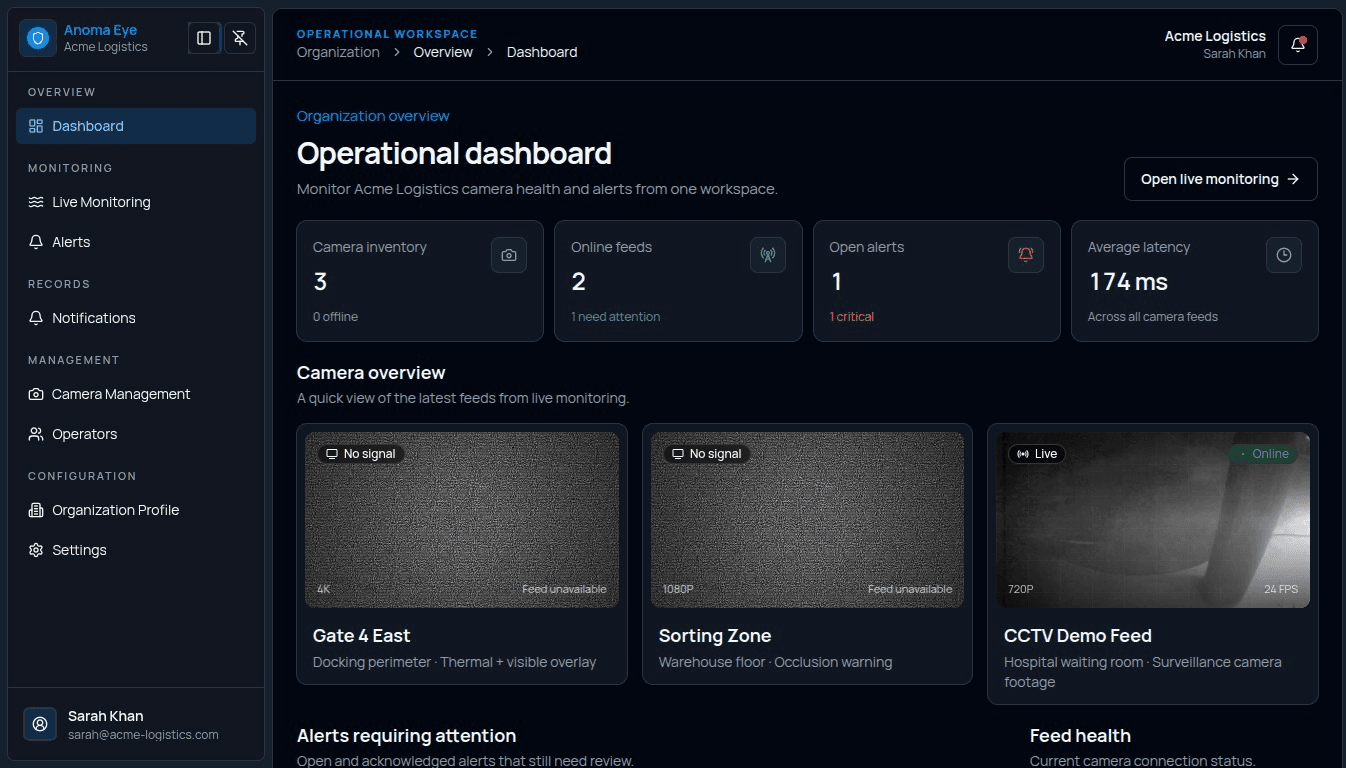
Web Dashboard
Control cameras, teams, incidents, and organization settings from one wide-screen workspace.
- Camera and location management
- Incident review and analytics
- Roles, teams, and permissions
Configure and investigate on the web, then respond from the field on mobile. Both interfaces stay connected to the same organization, cameras, alerts, and evidence pipeline.


System online
Live Monitoring
Live feeds
View all
Main Entrance
North wing
Loading Dock
Gate 04
4
Recording
98%
AI conf.
Good
Signal
For administrators, managers, and dispatch teams
Control cameras, teams, incidents, and organization settings from one wide-screen workspace.
For operators and on-site responders
Receive urgent alerts, inspect evidence, and acknowledge incidents while moving through the site.
The page is organized around recognition, comparison, and action: users can understand the difference quickly and move to the correct platform without extra searching.
Best for
Daily administration and oversight
Immediate response in the field
Primary tasks
Configure cameras, assign users, audit incidents
Receive alerts, review clips, update status
Interface style
Dense, scan-friendly dashboard
Focused alert-first workflow
Access
Browser-based secure login
Managed Android release on TestApp.io
Each platform reduces cognitive load by showing the next useful action at the moment it matters.
Operators see a clear priority alert with location and camera context.
The relevant feed or clip appears without forcing the team to search manually.
Managers track incidents, responsibilities, and outcomes from the dashboard.
Ready when your team is
Use the dashboard for setup and oversight, then give responders the mobile app for alerts and action.
Open AnomaEYE in TestApp.io and install the signed test release on your device.
Open TestApp